Forestadmin
Forestadmin is pretty straightfoward but more of a manual process. We don't have to worry about High Availability here so we're free to just stop the job using nomad's ui.
- Build the docker image via the WealthFit Repo & Push to DockerHub
docker build -t wealthfit/forestadmin:<version> .

docker push wealthfit/forestadmin:<version>- Open Nomad Tunnel
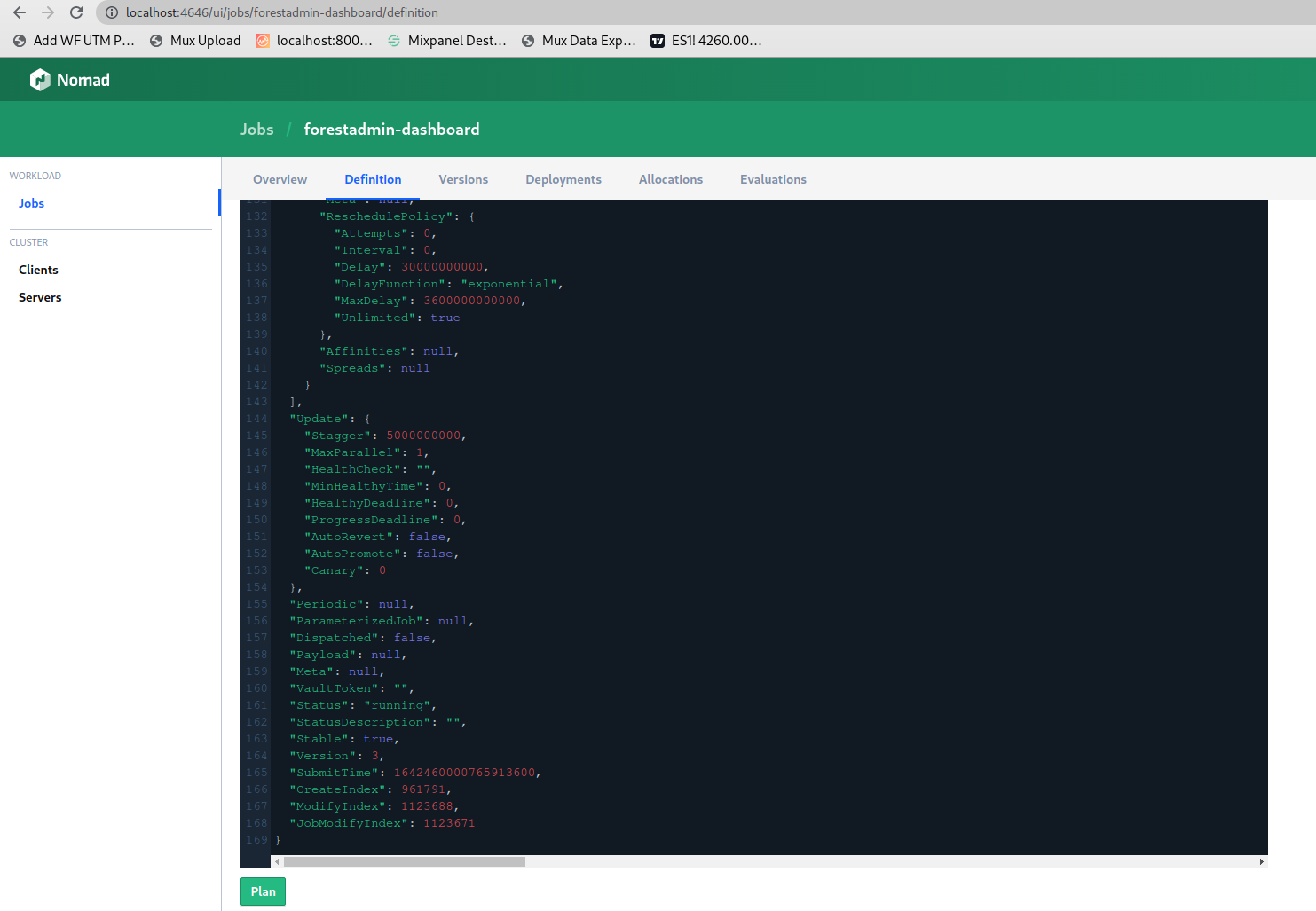
tunnel-[staging, production]-nomad-[a-c] - Navigate to http://localhost:4646 and click
forestadmin-dashboard(oradmin-dashboardon staging)
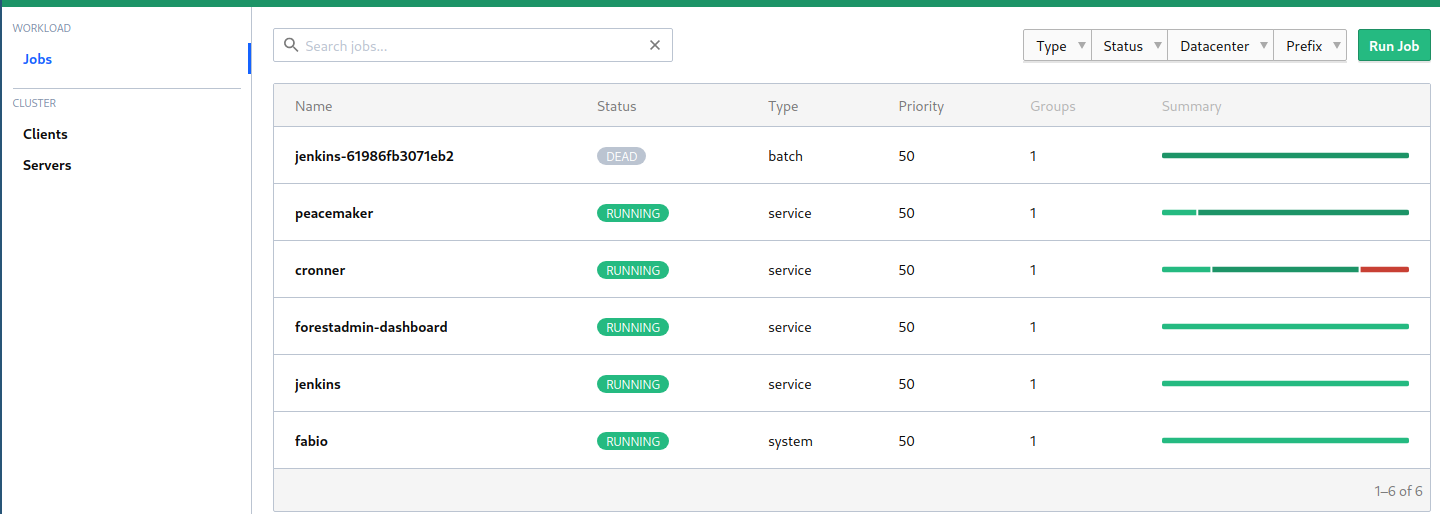
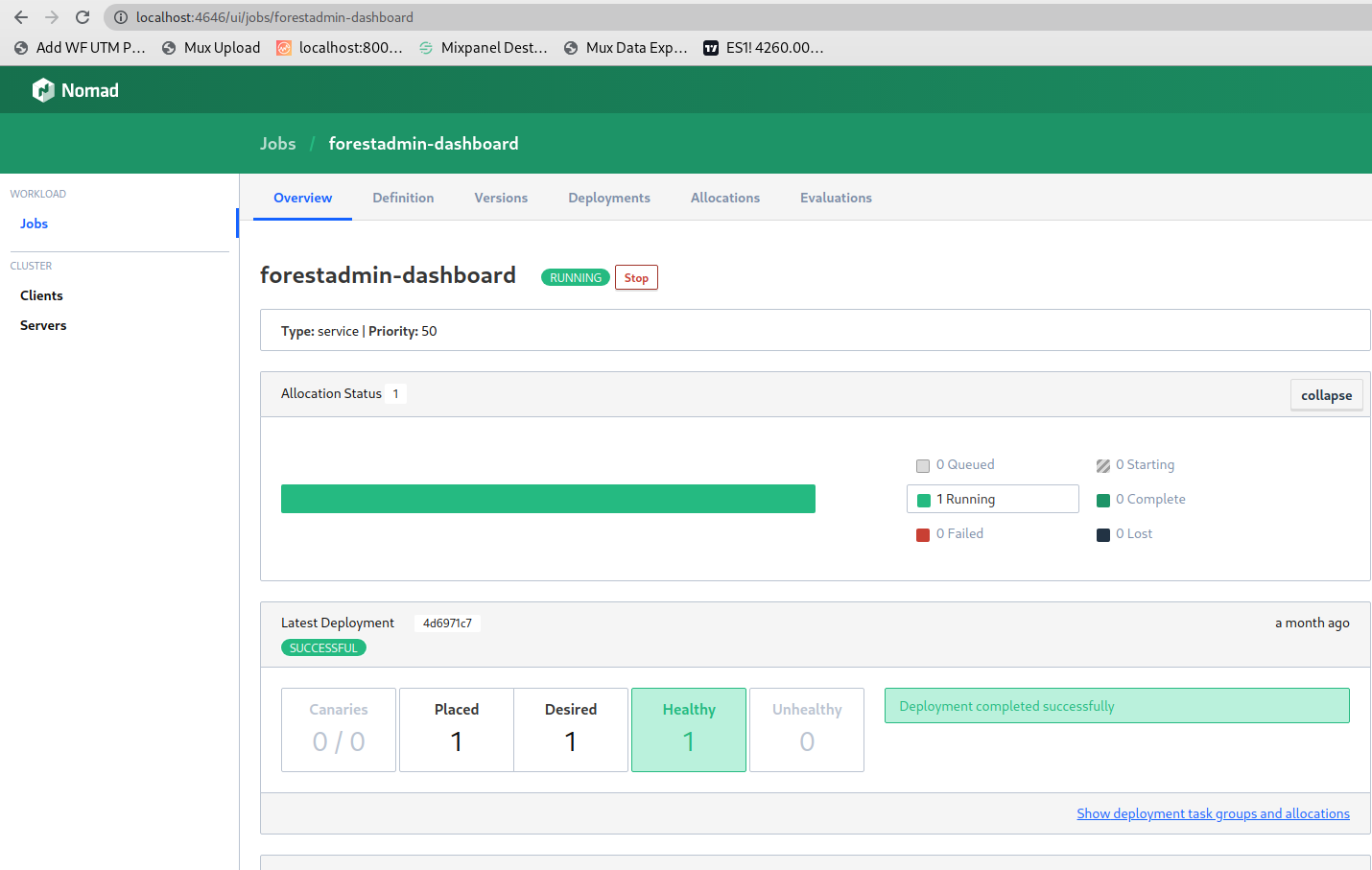
- Stop forestadmin job.
- Update Nomad Image Version
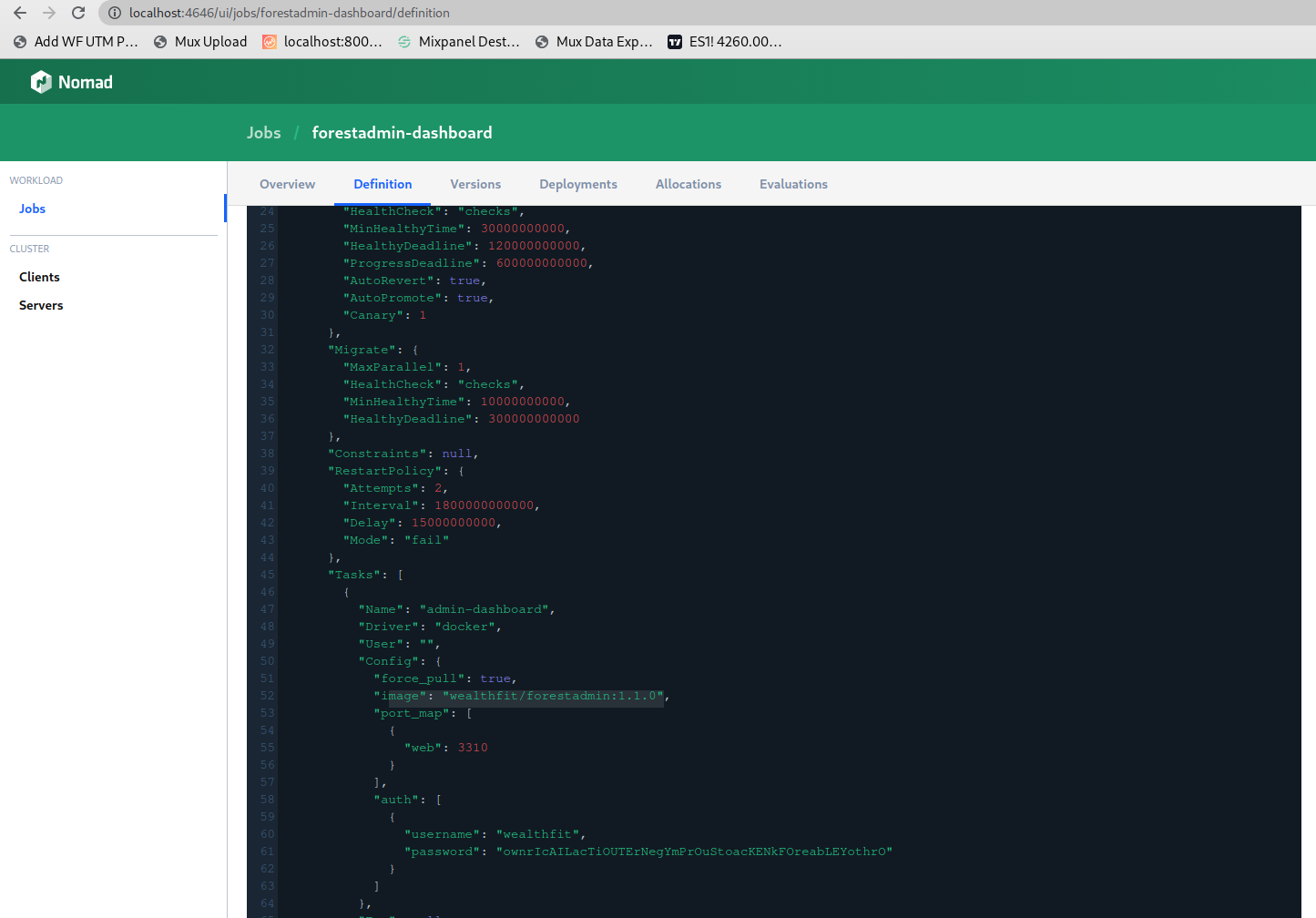
- Plan and run the job with the new version of the new image that was pushed in step 0.